
Prompts
The output is beautiful and it is not you. Here is what the model is actually doing.
A model asked to restyle your portrait does not think it changed your face. It thinks it improved it. Those are the same operation, and knowing which specific improvements to forbid is the whole fix.
Last updated Sep 9 · 8 min read
Beautification is not a bug, it is the default
When an image model re-renders an uploaded portrait, it produces something close to the average of what its training data treats as a good photograph of a person. That average has a shape: narrower noses, sharper jawlines, larger and more symmetrical eyes, smoother skin, lighter skin tone, fewer lines. None of these are errors from the model’s point of view. Each one is a small step toward the pictures it saw most often.
This is why a general instruction fails. Telling a model to "keep the face the same" does not bind, because it does not classify a marginally slimmer jaw as a different face. The instruction has to name the operations, not the goal.
A working identity lock reads more like a list than a request: keep the bone structure, jawline width, nose shape, eye shape and spacing, brow position, lip shape, skin tone and undertone, visible age, and the natural asymmetry of the features. Do not slim, sharpen, lighten, smooth or beautify. Asymmetry is the one people leave out and the one that matters most — real faces are uneven, and an evened-out face reads as a stranger even when every individual feature is close.
Tell it what it is allowed to change
A lock on its own creates a conflict. You have asked the model to change nothing and, in the same breath, to make the picture look like 1986 or a professional headshot. Something has to give, and what gives is usually the face, because the styling instructions are more concrete.
The fix is to give the model a permitted set alongside the forbidden one: you may change hairstyle, facial hair grooming, clothing, accessories, pose, props, background and lighting. That resolves the conflict explicitly rather than leaving the model to arbitrate it, and it is the single highest-value line you can add to any photo-editing prompt.
You can see the structure in any prompt in the Photo Trends library — the lock and the permitted set always appear together, in the first block, before a single word about the era.
Put the lock first, not last
Position matters. Instructions near the start of a prompt carry more weight when a model re-renders an uploaded image, and an identity lock sitting under four paragraphs of wardrobe and lighting description is competing from behind.
Most prompt lists circulating online get this backwards — they open with the scene they want and append "keep my face the same" at the end, which is roughly the least effective place for it. Moving the same sentence to the top, before anything else, changes results measurably without changing a word of the styling.
Drift: why the third attempt is worse than the first
A different failure appears when you iterate. The first result is close, so you download it, upload it again, and ask for a fix. The second is close to the first but a little further from you. By the fourth round the face is bland and generic and you cannot say exactly when it stopped being yours.
This happens because each pass re-renders the face from the previous render rather than from your original photograph. Small errors are inherited and amplified — the same feedback problem researchers describe as model collapse, running at the scale of one conversation.
The fix is procedural rather than textual: stay in the same conversation, keep the original upload as the reference, and make one specific correction at a time. "Harder key light, stronger shadow on the backdrop." "Keep both faces brightly lit from the front." "Remove the satellite dish." Never re-upload an output as the new input.
Rejuvenation: the failure that upsets people
On photos of older people, beautification shows up as age removal, because in the training average, younger reads as better. Grey hair darkens. Lines and folds smooth out. Thinning hair fills in. A stooped posture straightens. The result is a picture of a grandmother that her family finds quietly upsetting rather than charming.
A general instruction to preserve age is too abstract to hold. What works is promoting age into the identity lock and enumerating what has to survive: grey or white hair kept grey or white, deep lines, folds, thinning hair, age spots, stooped posture. A list is something a model can check its own output against; an abstraction is not.
The three-generation family portrait prompt is built around this, and it is the prompt worth inspecting most carefully before you share anything.
More than one face: bleed, headcount and scale
Multiple people introduce three failures a single-portrait lock does not cover. The first is identity bleed — the model averages two faces toward a shared middle, and a couple comes back looking related. Anchoring each output face to its counterpart by position in the source photo, left stays left, gives the model a correspondence to hold instead of a pool of faces to blend.
The second is headcount drift, where a group gains or loses a person. Counting the source explicitly and requiring the output to match is the only reliable guard, which is why the studio family portrait prompt opens by counting.
The third only appears when people share a frame with a large object or with each other at different ages: scale drift. A child rendered slightly too large beside a car door, or an adult slightly too small against a roofline, makes an image feel wrong in a way viewers notice without being able to name. Stating scale as a relationship — adults adult-sized relative to the car and the children — gives the model something it can apply.
A short checklist that catches most of it
Look at the face at full zoom rather than at thumbnail size, because a thumbnail hides exactly the drift you are checking for. Compare it side by side with the original if you are unsure — the changes are often obvious in comparison and invisible alone.
Count hands and fingers, check that every visible arm connects to exactly one person, and read any text in the frame. Then check ages: nobody younger than they were, no child aged up, generation gaps still visible.
These same failure modes turn up in any product that puts a generative model in front of real users, and the difference between a demo and something shippable is usually whether somebody enumerated them in advance. If that is the kind of problem you are working on, we take that on directly.
Frequently asked questions
How do I stop ChatGPT from changing my face?
Put an identity lock first in the prompt, name the specific forbidden operations rather than asking generally, and separately name what the model is allowed to change. "Do not slim, sharpen, lighten, smooth or beautify; you may change hairstyle, clothing, accessories, pose, props and background" works far better than "keep my face the same".
Why does each attempt look less like me than the last?
Because you are probably re-uploading the previous output. Each pass re-renders the face from the last render instead of from your original photo, so small errors compound. Stay in the same conversation, keep the original as the reference, and make one specific correction at a time.
Why does the AI make my grandmother look young?
Beautification and rejuvenation are the same operation to the model — younger reads as better in the training average. Promote age into the identity lock and enumerate what must survive: grey hair kept grey, deep lines, folds, thinning hair, age spots, stooped posture. A list binds where an abstraction does not.
Why do two people in one photo end up looking related?
That is identity bleed — the model averages the two faces toward a shared middle. Anchor each output face to its counterpart by position in the source image, and state outright that the two people must not be made to look more alike than they are.
Does this apply to Gemini too?
Yes. The same structure works in the Gemini app and in ChatGPT, and neither has a negative-prompt field, so every exclusion has to be a positive sentence inside the prompt. Gemini tends to hold a likeness through heavier restyling, but the prompt structure does not change.
Sources
Prompts mentioned in this post
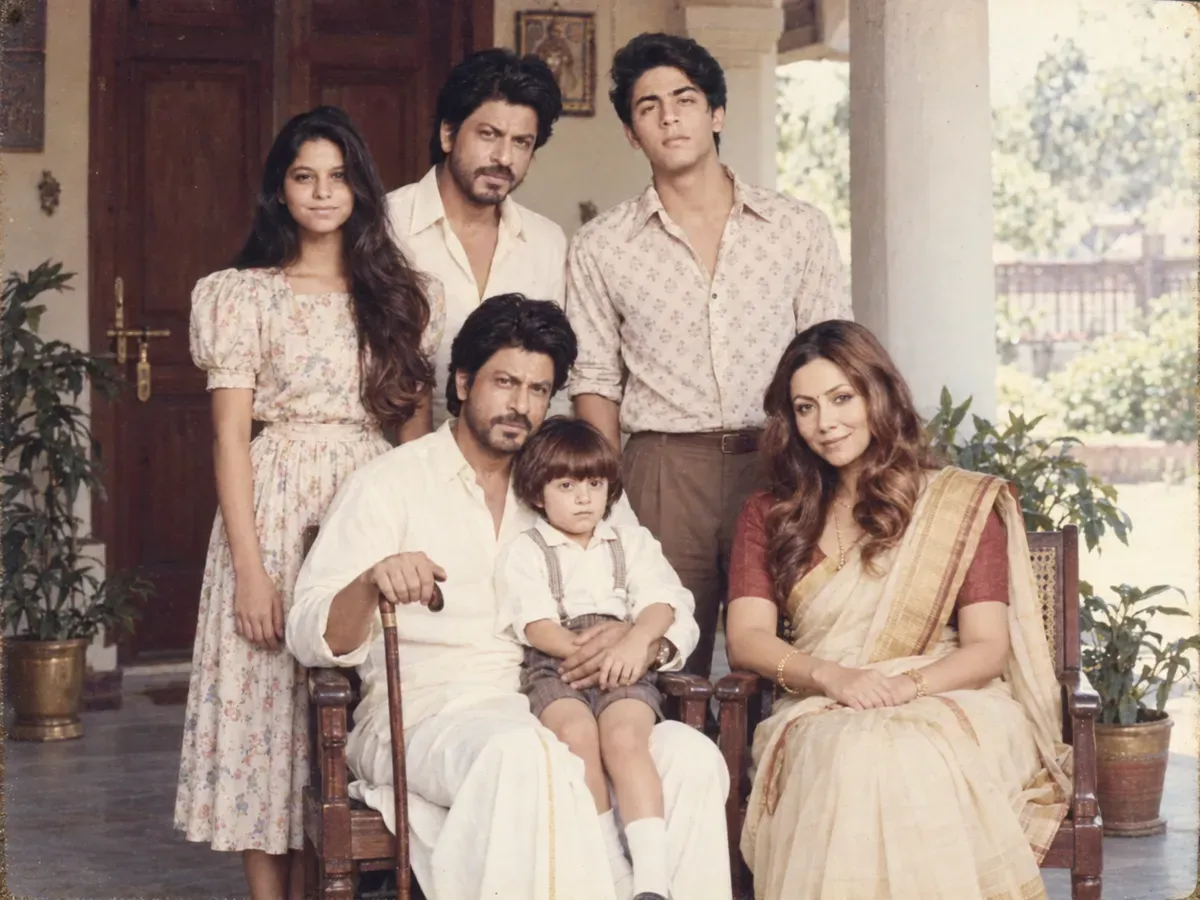 1985 three-generation joint family portraitGrandparents seated, everyone else standing behind. Built around one rule: the elders must stay their real age.ChatGPT (GPT Image)Nano Banana (Gemini 3.1 Flash Image)2026-09-10
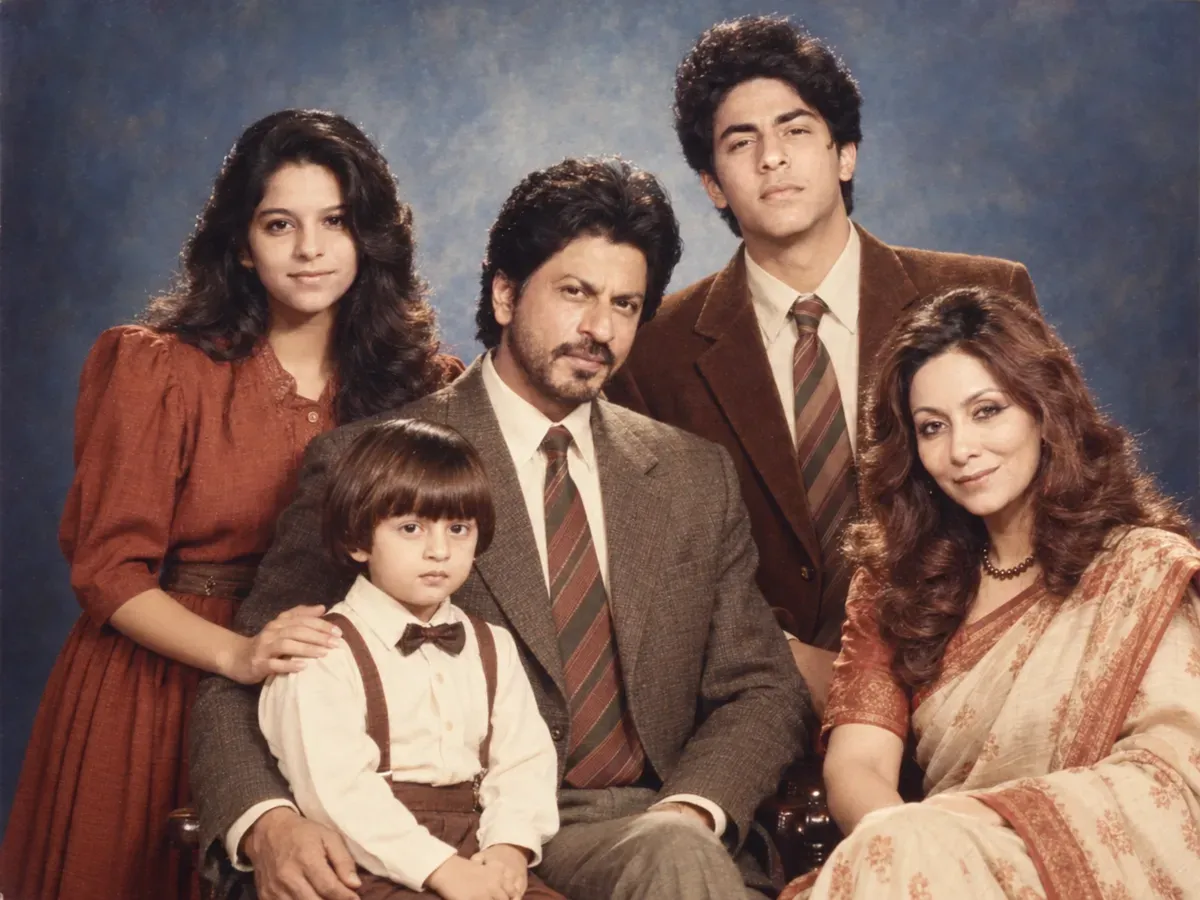 1986 family studio group portraitThe framed family portrait on the wall — tiered posing, mottled canvas, and the counting rule that keeps everyone in frame.ChatGPT (GPT Image)Nano Banana (Gemini 3.1 Flash Image)2026-09-10
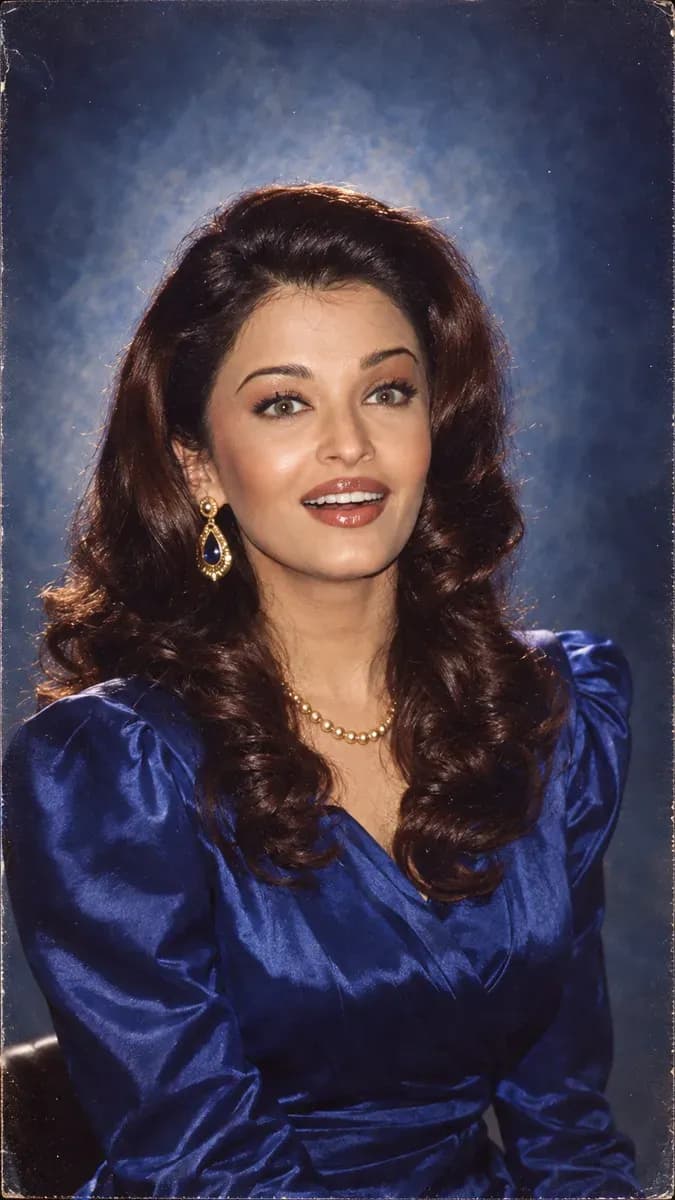 Classic 80s studio portrait, blue canvasThe portrait that hung in every Indian drawing room — mottled blue backdrop, a hard key, a hair light and big earrings. The most reliable prompt in the set.ChatGPT (GPT Image)Nano Banana (Gemini 3.1 Flash Image)2026-09-10
 1986 couple studio portraitThe framed portrait that sat on the shelf — mottled canvas, a hard key, and the anchoring that stops two faces merging into one.ChatGPT (GPT Image)Nano Banana (Gemini 3.1 Flash Image)2026-09-10
 1986 mother and daughter in a doorwayMatching sarees, a painted doorframe and soft morning light — written so the two faces stay two people, not two ages of one.ChatGPT (GPT Image)Nano Banana (Gemini 3.1 Flash Image)2026-09-10
