
Prompts
Gemini holds a face better than most models. That does not mean the prompt gets shorter.
Nano Banana is faster, free in the Gemini app, and unusually good at keeping a face recognisable through a heavy restyle. People take that as permission to write a shorter prompt, and the shorter prompt is where the results fall apart.
Last updated Sep 9 · 8 min read
The recipe does not change between the two
The most common question about this trend is whether the 80s prompt needs rewriting for Gemini. It does not. The same seven blocks work in both, in the same order: identity lock, hair, wardrobe and props, setting, light, film stock, exclusions, output. Every prompt in the Photo Trends library is written to run unchanged in ChatGPT and in the Gemini app.
That is worth stating plainly, because a lot of published advice implies otherwise and sends people hunting for a Gemini-specific prompt that does not exist. What differs between the two is speed, cost and failure rate — not structure.
What Nano Banana genuinely does better
Nano Banana is the nickname for Gemini’s image model, and its documented strength is precision: editing part of an image while leaving the rest untouched, rather than regenerating the whole frame every time. For a trend built entirely on "keep this face, change everything else", that is the exact capability required, and it is why the same prompt tends to hold a likeness through more aggressive restyling here than elsewhere.
It is also fast and free in the Gemini app, which matters more than it sounds. Most of these prompts want two or three attempts — light comes out too soft, a hand goes wrong, a background object turns modern — and a model you can re-run without thinking about cost is a model you will actually iterate with.
Where that strength shows most is on the hardest frames. The three-generation joint family portrait asks a model to hold several distinct faces at different ages simultaneously, which is where identity bleed and age flattening usually appear. Better face retention is worth the most precisely here, on the group shots, not on the single selfies people test with first.
The aspect ratio detail that trips people up
The Gemini app offers aspect ratio controls in its interface, and the API exposes ratio settings directly. That leads people to assume the prompt does not need to mention framing. It does — the prompts here still state "vertical 9:16 portrait crop" or "horizontal 4:3 crop" in words, because the sentence is doing more than setting dimensions.
Telling a model the frame is vertical and cropped from mid-thigh up also tells it how much of the setting to build, how tightly to compose, and where the subject sits. A ratio setting changes the canvas; the sentence changes the composition. Keep both.
What you should not do in either tool is paste Midjourney parameters. --ar 9:16 and --v 6.1 appear at the end of several widely-shared 80s prompt lists, and they belong to a different product entirely. Gemini has no parameter parser and reads them as literal text.
Exclusions still have to be positive sentences
Neither the Gemini app nor ChatGPT exposes a negative-prompt field. Anything you want kept out has to appear as a positive statement inside the same prose the model is already reading — "show no smartphone, no satellite dish, no LED lighting, no printed caption" — rather than in a separate list.
This matters more in Indian settings than most people expect, because the anachronisms are specific and the model reaches for them by default. Ask for an Indian rooftop and you will get satellite dishes, since almost every rooftop photograph in the training data was taken after 1995. Dishes did not exist there in 1986; TV aerial antennas did. The terrace golden hour prompt names the antennas as a positive object and the dish as an exclusion in the same breath, which is what actually fixes it.
The same technique handles period objects the model has thin data on. Asking for "a vintage Indian car" returns a generic beige box. Describing the silhouette instead — upright greenhouse, rounded body, chrome grille, small round headlamps, thin bumpers, black number plate — and then ruling out alloy wheels, plastic bumpers and LED lamps gets an Ambassador, as in the roadside car portrait.
Iterating without losing the face
The single most damaging habit in this trend is downloading a result and uploading it again to fix something. Every pass re-renders the face from the previous render instead of from your original photo, and the errors compound until the person in the image is nobody in particular. Researchers call the general phenomenon model collapse; you will notice it as a face that gets blander with each attempt.
Stay in the same conversation and correct against the original upload. Single, specific instructions work best: "harder key light, stronger shadow on the backdrop", "keep both faces brightly lit from the front", "remove the satellite dish". Nano Banana’s precise-edit strength is built for exactly this kind of conversational correction, which is another reason it suits the trend.
If a frame keeps failing in the same place, the prompt is usually missing an escape route rather than an instruction. A model that cannot render a hand correctly will render a wrong one unless told it may leave the hand out of frame — which is why every prompt in the library offers that option explicitly.
Before you upload someone else’s photo
These prompts work on any photograph, including ones of other people. Two things are worth being deliberate about. Ask first — a parent or a grandparent may have a view about an AI version of themselves circulating, and it is easier to ask than to take a post down. And keep in mind that anything you upload goes to a third-party service, which is a different decision for a family photograph than for a selfie.
It is also worth a look at what you get back before it goes anywhere. On group and multi-generation frames especially, check that nobody has been rejuvenated, that the headcount matches, and that every face still belongs to the right person. Those are the failures people notice, and they are the ones worth catching privately.
The same care is what separates a workable AI feature from a demo, whether the output is a retro portrait or something a business depends on. If you are building in that direction and want the failure modes handled properly rather than hoped away, we do that work directly.
Frequently asked questions
Is the 80s photo prompt different in Gemini and ChatGPT?
No. The same seven-block structure works in both, identity lock first. Neither has a negative-prompt field, so exclusions are positive sentences in both. What differs is speed, cost and how often a face survives an aggressive restyle — not the prompt.
What is Nano Banana?
It is the nickname for Google’s Gemini image generation and editing model, available free in the Gemini app. Its documented strength is precise local editing — changing one part of an image without regenerating the rest — which is exactly what a "keep the face, change the era" prompt needs.
Do I still need to write the aspect ratio if Gemini has a ratio setting?
Yes. The ratio control changes the canvas; the sentence in the prompt changes the composition — how much of the setting to build, how tight the crop is, where the subject sits in frame. Use both, and never paste Midjourney flags like --ar 9:16, which Gemini reads as literal text.
Why do satellite dishes keep appearing on my 1986 rooftop?
Because nearly every rooftop photograph the model learned from was taken after 1995. The fix is to name the period-correct object as something to include — TV aerial antennas — and the dish as something to exclude, both as positive sentences inside the prompt.
Can I re-upload the result to fix it?
Avoid it. Each pass re-renders the face from the previous render rather than from your original, and the likeness degrades with every round. Stay in the same conversation and give one specific correction against the original upload instead.
Sources
- https://ai.google.dev/gemini-api/docs/image-generation
- https://techcrunch.com/2025/09/17/india-leads-the-way-on-googles-nano-banana-with-a-local-creative-twist
- https://www.businesstoday.in/technology/news/story/instagram-80s-photo-trend-goes-viral-how-to-create-your-own-retro-photo-using-chatgpt-554148-2026-09-09
Prompts mentioned in this post
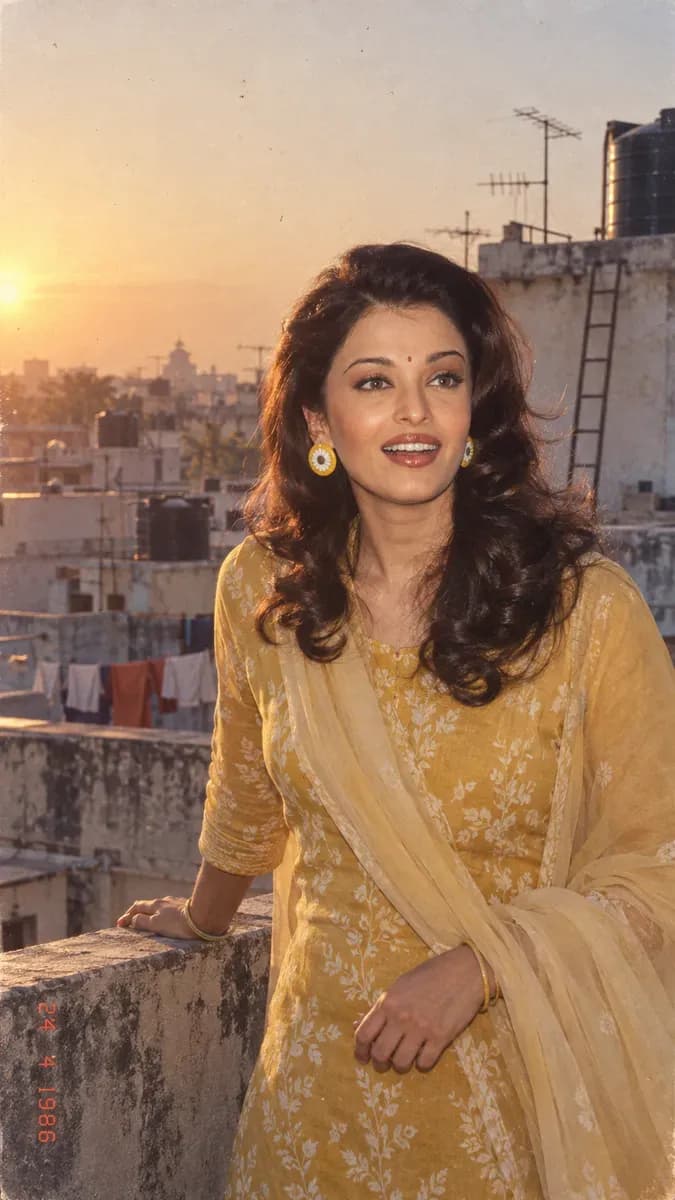 1986 terrace portrait at golden hourA rooftop terrace, water tanks and TV antennas behind, low warm sun. Everyday India rather than film-set gloss.ChatGPT (GPT Image)Nano Banana (Gemini 3.1 Flash Image)2026-09-10
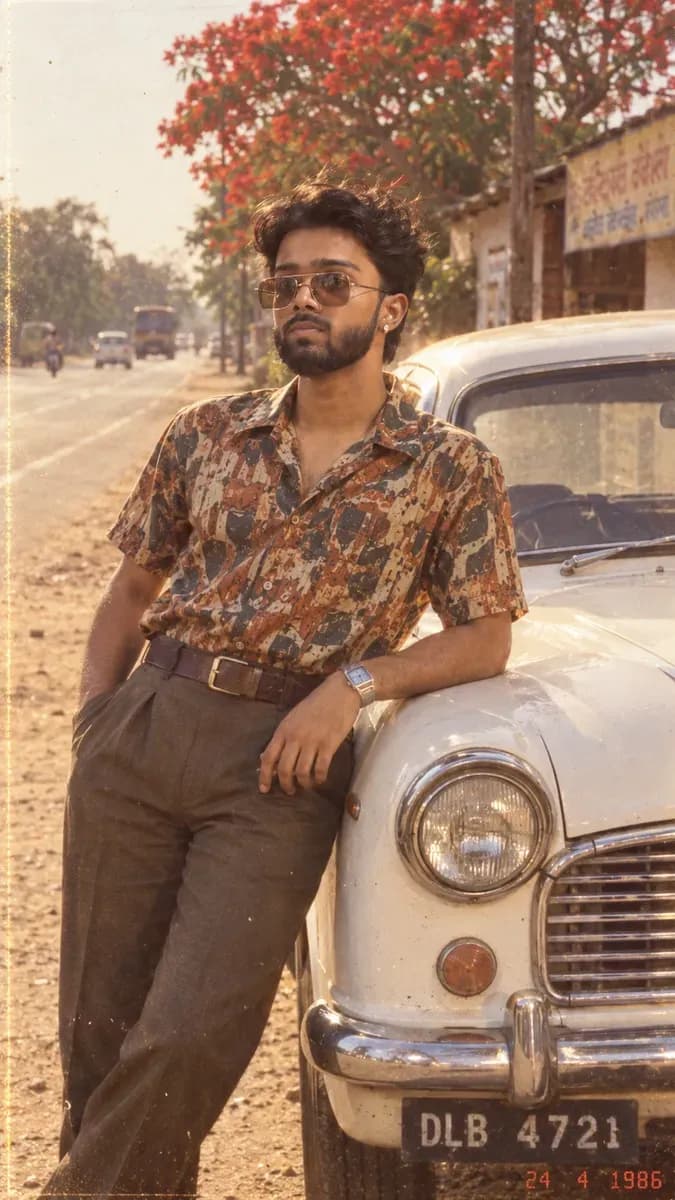 80s Ambassador car roadside portraitThe white Ambassador, the roadside, the late-afternoon sun — with the shape description that stops the model rendering a modern sedan.ChatGPT (GPT Image)Nano Banana (Gemini 3.1 Flash Image)2026-09-10
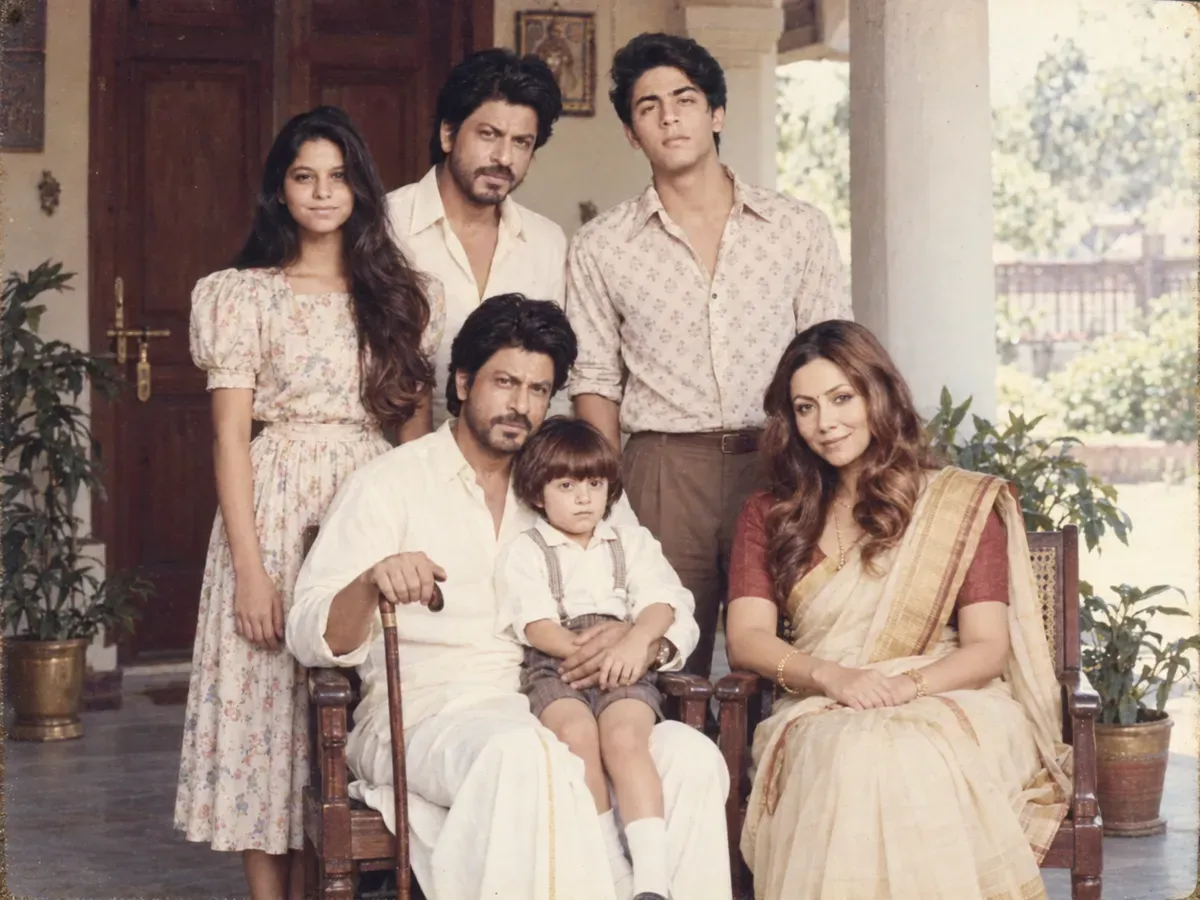 1985 three-generation joint family portraitGrandparents seated, everyone else standing behind. Built around one rule: the elders must stay their real age.ChatGPT (GPT Image)Nano Banana (Gemini 3.1 Flash Image)2026-09-10
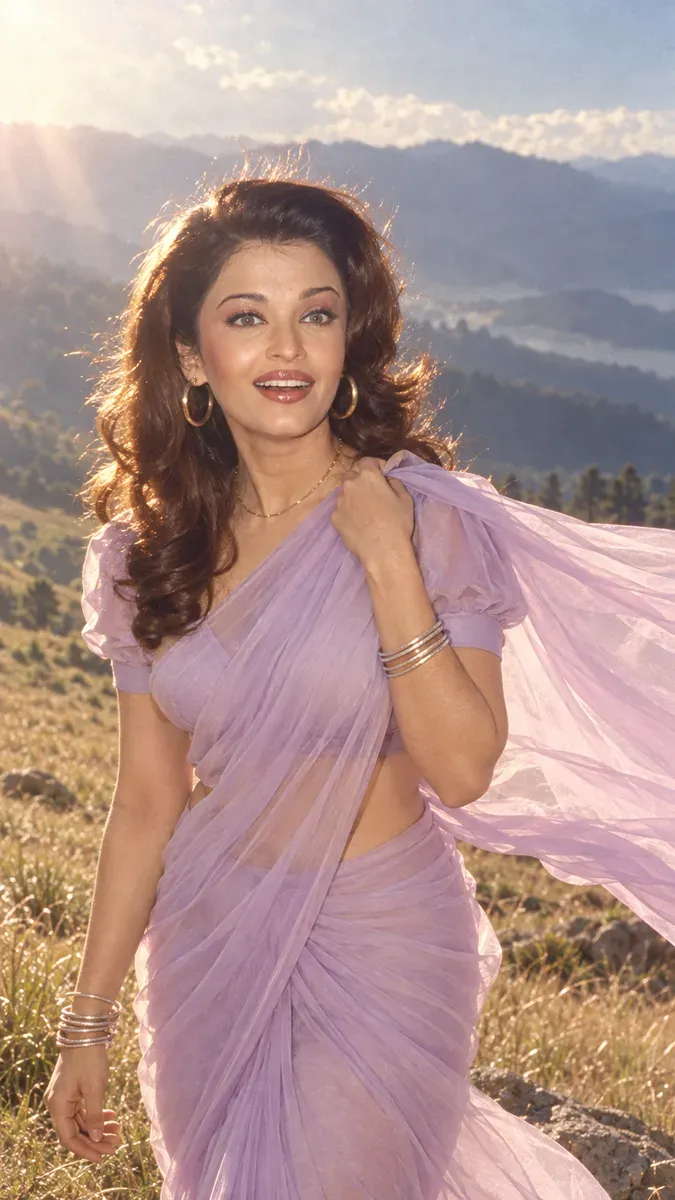 80s chiffon saree hillside portraitThe Yash Chopra look — pastel chiffon moving in wind, a hill slope behind, backlit hair. The most-requested version of the trend.ChatGPT (GPT Image)Nano Banana (Gemini 3.1 Flash Image)2026-09-10
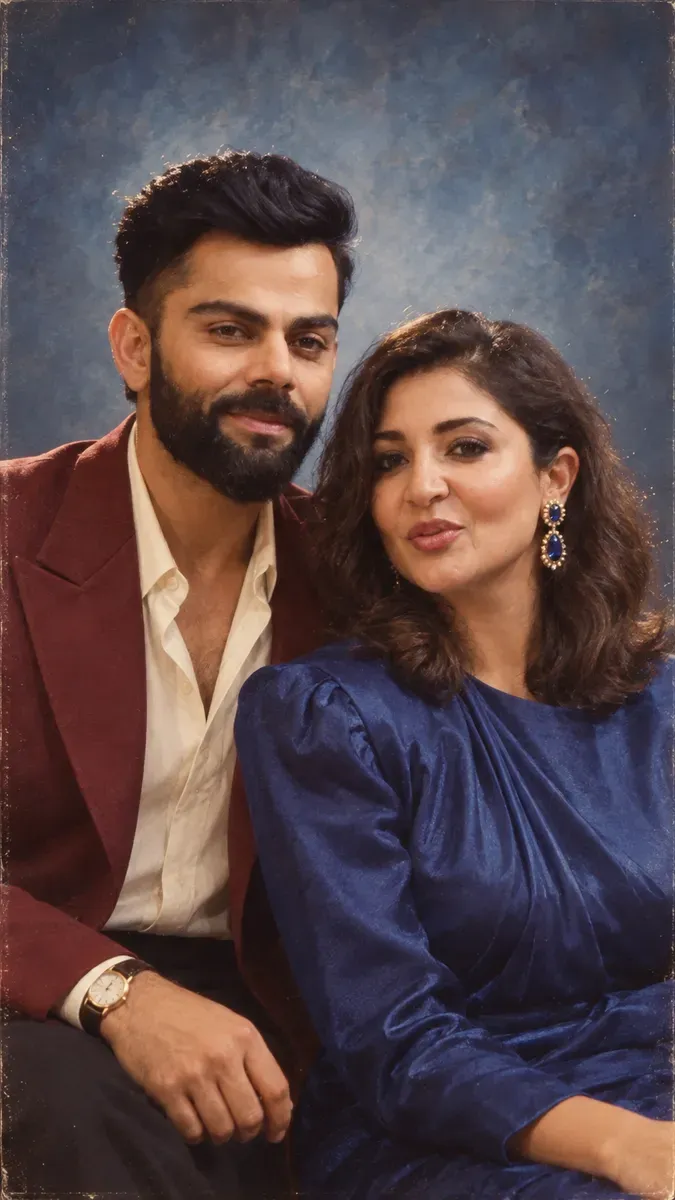 1986 couple studio portraitThe framed portrait that sat on the shelf — mottled canvas, a hard key, and the anchoring that stops two faces merging into one.ChatGPT (GPT Image)Nano Banana (Gemini 3.1 Flash Image)2026-09-10
