How it works
How the FAQ Schema Generator works
 How the FAQ Schema Generator works
Turn your questions and answers into valid FAQPage JSON-LD, plus a paste-ready visible HTML block. Flags duplicates, empty answers and text Google would truncate.
Last updated Jul 29
Try FAQ Schema Generator nowThe method
Your pairs become a schema.org FAQPage: a mainEntity array of Question objects whose acceptedAnswer holds the Answer text — the shape Google’s structured-data docs specify. Every "<" is serialised as \u003c, so embedded HTML can’t break out of the <script type="application/ld+json"> tag. Google retired FAQ rich results on 7 May 2026, but AI answer engines still parse this markup, and the HTML output satisfies the on-page-visibility requirement schema.org checks require.
Step by step
- 1
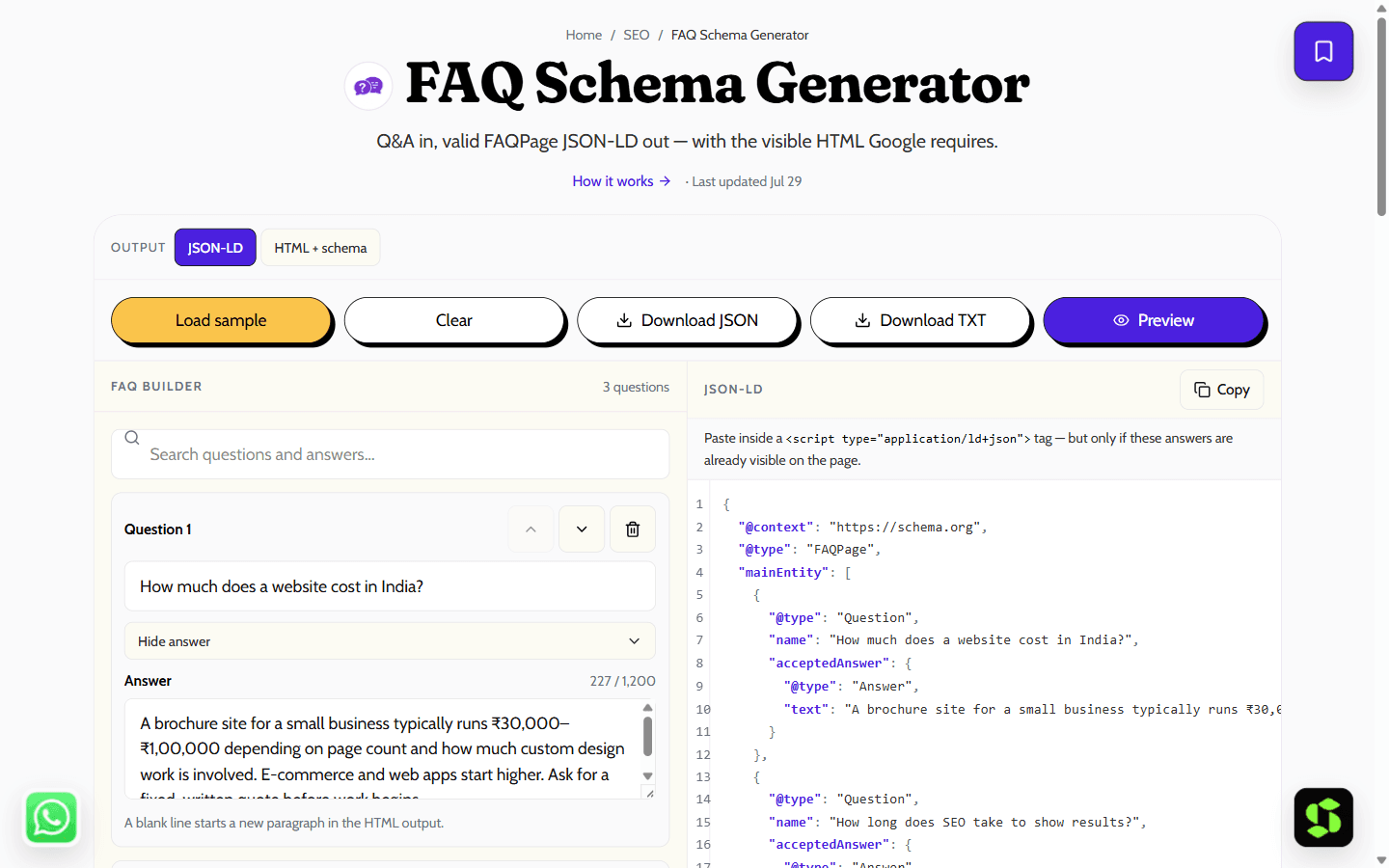
Type each question and its answer — add, remove or reorder rows as you go.
- 2
Fix anything the checker flags: duplicates, missing answers, over-long text.
- 3
Copy the JSON-LD, or switch to HTML + schema for a paste-ready visible block.
- 4
Paste it into your page and confirm it with the schema.org validator — Google’s Rich Results Test dropped FAQPage support in June 2026.
What it doesn't do
- FAQ rich results were retired by Google on 7 May 2026, so this markup won’t produce an expandable Q&A in search — it’s worth adding for AI answer engines and schema clarity instead.
- The marked-up questions and answers must also be visible as real text on the page; schema with no matching on-page content violates Google’s guidelines.
- The ~1,200-character answer limit the tool flags is a holdover from the retired rich result, kept as a discipline for concise, quotable answers rather than an enforced rule.
A valid FAQ schema example
Here is clean, valid FAQPage JSON-LD you can copy — or generate it from your own questions above.
FAQPage
{
  "@context": "https://schema.org",
  "@type": "FAQPage",
  "mainEntity": [
    {
      "@type": "Question",
      "name": "Is the FAQ schema generator free?",
      "acceptedAnswer": { "@type": "Answer", "text": "Yes, it's completely free with no signup." }
    },
    {
      "@type": "Question",
      "name": "Where do I paste the code?",
      "acceptedAnswer": { "@type": "Answer", "text": "Inside your page's head, in a script type=\"application/ld+json\" tag." }
    }
  ]
}
The rules that actually matter for this markup:
- The same questions and answers must be visible on the page — never mark up content a visitor can't also read.
- Answers in the schema must match the visible answers exactly, word for word.
- Google retired FAQ rich results entirely on 7 May 2026, so this markup will not add an expandable Q&A under your search snippet — its value now is AI answer engines parsing your page, and keeping the schema ready in case eligibility ever returns.
Frequently asked
What is FAQPage schema?
It is schema.org structured data that labels the questions and answers on a page in a machine-readable JSON-LD block, so search engines and AI assistants can read each Q&A pair directly instead of inferring it from your layout.
Do FAQ rich results still show in Google?
Rarely. In August 2023 Google restricted FAQ rich results to well-known, authoritative websites — in practice mostly government and health sites. For everyone else the expandable Q&A under the snippet is effectively gone.
Is FAQ schema still worth adding, then?
Yes, for a different reader: AI search engines and answer engines parse structured data when deciding what your page says and whether to cite it. Clean FAQPage markup is a low-effort way to make your answers unambiguous to them.
Does the FAQ content have to be visible on my page?
Yes. Google’s guidelines require the marked-up questions and answers to appear on the page the user lands on. Use the HTML + schema output if your page does not already show the FAQ text.
Where do I paste the JSON-LD?
Inside a <script type="application/ld+json"> tag anywhere in the page’s head or body — Google reads it from either. The HTML + schema output already includes the tag, so that version is paste-and-done.
Can I use HTML inside the answers?
Google allows a small whitelist in Answer text (links, lists, bold, paragraphs), but anything beyond plain text is ignored in rich results. Keep answers as plain prose and put rich formatting in the visible HTML instead.
Is it free, and does it run in my browser?
Yes to both — free with no signup, and the JSON-LD is generated entirely on your device. Nothing you type is uploaded anywhere.
How many questions can I add?
As many as you need — add, remove or reorder rows freely. The only limit is the ~1,200-character discipline the tool flags per answer.
Need this built into your business?
This tool is free because it's a small, solved problem. If what you actually need is bigger — SEO, built and maintained for you — that's Scult's day job.


