How it works
How the AI Visibility Checker works
 How the AI Visibility Checker works
Check whether ChatGPT, Claude, Perplexity and Google AI can crawl and understand your site. Free 0–100 visibility score with specific fixes — no email gate.
Last updated Jul 29
Try AI Visibility Checker nowThe method
Fetches robots.txt, /llms.txt and your homepage once, then applies robots precedence for ten AI crawlers: most-specific User-agent group wins, longest matching path wins. Scored 40/20/20/10/10 across crawler access, structured data (including whether it names an Organization/WebSite/LocalBusiness/Person), page basics (title, description, headings, lang, Open Graph tags, canonical link, image alt-text coverage and a thin-content check), llms.txt and sitemap — being readable is necessary, not sufficient, for citation. A separate, unscored check flags a noindex or nofollow homepage, since that alone can make every other signal moot.
Step by step
- 1
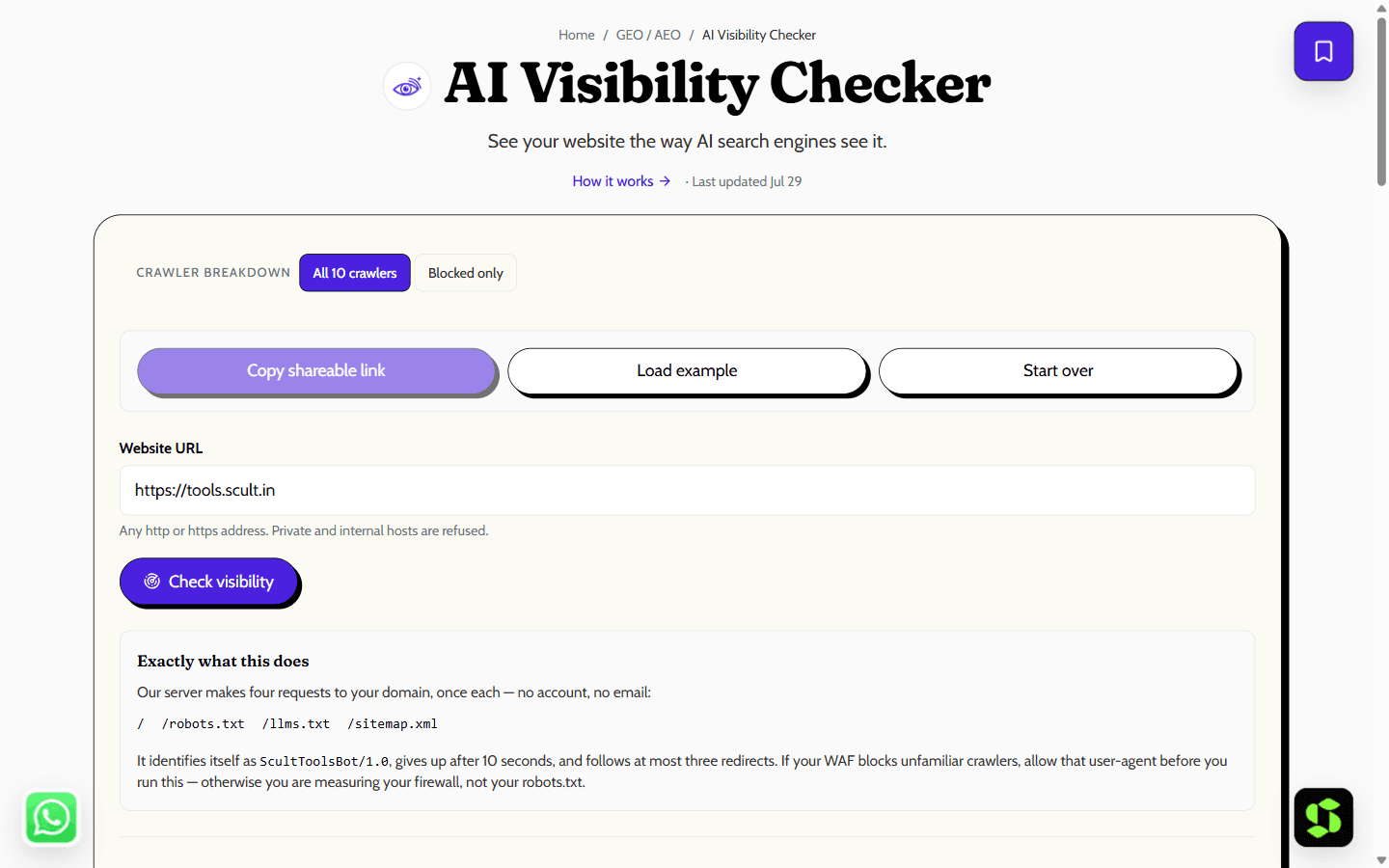
Paste your website URL and press Check.
- 2
Read the 0–100 score and its verdict band at the top.
- 3
Scan the per-bot table to see which AI crawlers can reach you.
- 4
Work through each check card — every finding comes with a concrete fix.
- 5
Check the same domain again later and the score panel shows how many points moved since your last check on this browser, with no account or server storage involved.
What it doesn't do
- This checks your homepage only, not every page on your site.
- It reports the public crawl signals it can see, not what an AI company does with your content afterward.
- It reads the HTML your server sends, not the DOM after JavaScript runs — a single-page app that injects its title, meta description or schema client-side will score lower here than a real visitor would experience.
How to read your score
The score is a weighted blend of five checks, out of 100: crawler access (40 points), structured data (20), on-page basics (20), llms.txt (10) and your sitemap (10). Crawler access is weighted heaviest on purpose — if an AI crawler can't fetch your homepage at all, nothing else on this list matters for that engine.
| Score | Band | What it means |
|---|---|---|
| 80–100 | AI-visible | AI engines can fetch, parse and cite your homepage. |
| 50–79 | Partially visible | Reachable, but missing structured data, basics, or llms.txt/sitemap signals. |
| 0–49 | Mostly invisible to AI | At least one AI crawler is blocked, or several other checks are failing at once. |
A high score means you are eligible to be read and cited — it is not a guarantee of citation. Content quality and topical authority decide the rest, same as classic SEO.
A quick GEO checklist
In the same order the score weighs them:
- robots.txt allows the AI crawlers you actually want reaching you — GPTBot and OAI-SearchBot (OpenAI), ClaudeBot and anthropic-ai (Anthropic), PerplexityBot, Google-Extended, CCBot, Bytespider and meta-externalagent are the ten this tool checks.
- Your homepage names what it is with JSON-LD — an Organization, WebSite, LocalBusiness or Person block, not just page-specific schema like FAQPage.
- The basics are covered: title, meta description, one H1, at least two H2s, a lang attribute, a complete Open Graph set, a canonical link, real alt text on your images, and enough visible text that the page isn't thin.
- A /llms.txt file exists with a short, curated map of your important pages.
- Your sitemap is declared in robots.txt (or responds at /sitemap.xml) so crawlers can discover pages beyond the homepage.
Frequently asked
Should I allow GPTBot to crawl my site?
If you want your content to be reachable by ChatGPT and future OpenAI models, yes. If you sell that content or object to it training models, blocking GPTBot is a reasonable choice — just know that OAI-SearchBot (ChatGPT search) is a separate bot, so you can allow search visibility while opting out of training. Either way, robots.txt is a request that reputable crawlers honour, not an enforcement mechanism — it is still worth setting deliberately, as the standard, documented signal of your intent.
What is llms.txt?
A proposed standard: a markdown file at /llms.txt that gives AI systems a curated map of your most important pages with short summaries. It is not universally consumed yet, but it costs ten minutes to publish and several AI tools already read it — an easy, low-risk win.
I put "Disallow: /" under "User-agent: GPTBot" but left "User-agent: *" wide open — is GPTBot still blocked?
Yes, and this is the most common robots.txt mistake this tool exists to catch. A group naming a bot specifically always wins over the wildcard group, no matter which one looks more permissive or which one appears first in the file — so a targeted Disallow overrides a generous wildcard Allow every time. It cuts the other way too: an "Allow: /" under a bot-specific group does nothing to override a blanket "Disallow: /" sitting under a different group; it only helps the bot it names. Every card in the report states which group decided, so you can check this against your own file.
Why is my score low but my Google traffic is fine?
Classic Googlebot and AI crawlers are different user-agents with different robots rules. Many sites (or their CDN/firewall defaults) block GPTBot, CCBot or PerplexityBot without ever touching Googlebot, so organic traffic stays healthy while AI engines cannot read the site at all.
What is the difference between the noai signal and blocking a crawler in robots.txt?
robots.txt is a fetch-level gate, checked before a crawler requests the page at all. noai (and noimageai) is a page-level request sent inside the meta robots tag or the X-Robots-Tag header, asking a crawler that has already fetched the page not to use its content for AI training. Neither is enforced by anything on your server — both depend on the crawler operator choosing to honour them. This checker reports noai but does not score it, because opting out is a business decision, not a defect. A noindex or nofollow signal in that same tag is reported separately and much more severely, since it can suppress a page from AI answers entirely regardless of every other check.
Which AI engines does it check?
Ten crawlers across six companies: GPTBot and OAI-SearchBot (OpenAI), ClaudeBot and anthropic-ai (Anthropic), PerplexityBot, Google-Extended, CCBot, Bytespider and meta-externalagent. The report shows a verdict for each one individually.
Is my data stored?
No account and no database — this runs as a single server-side request with a 6-hour cache (so re-checking the same URL soon after is instant, not a fresh crawl). The only thing saved anywhere is your own check history, kept in this browser's local storage so you can see how many points moved since last time; it never leaves your device. Each check is a live snapshot, not a stored record — robots.txt, your homepage HTML and your sitemap can all change at any time, so re-checking after a fix is the way to confirm it actually landed.
Is it free?
Yes, free with no signup — even though, unlike most tools on this site, it runs as a real server request rather than entirely in your browser.
Need this built into your business?
This tool is free because it's a small, solved problem. If what you actually need is bigger — AI agents & automation, built and maintained for you — that's Scult's day job.


