How it works
How the Word Counter — Words, Characters & Reading Time works
 How the Word Counter — Words, Characters & Reading Time works
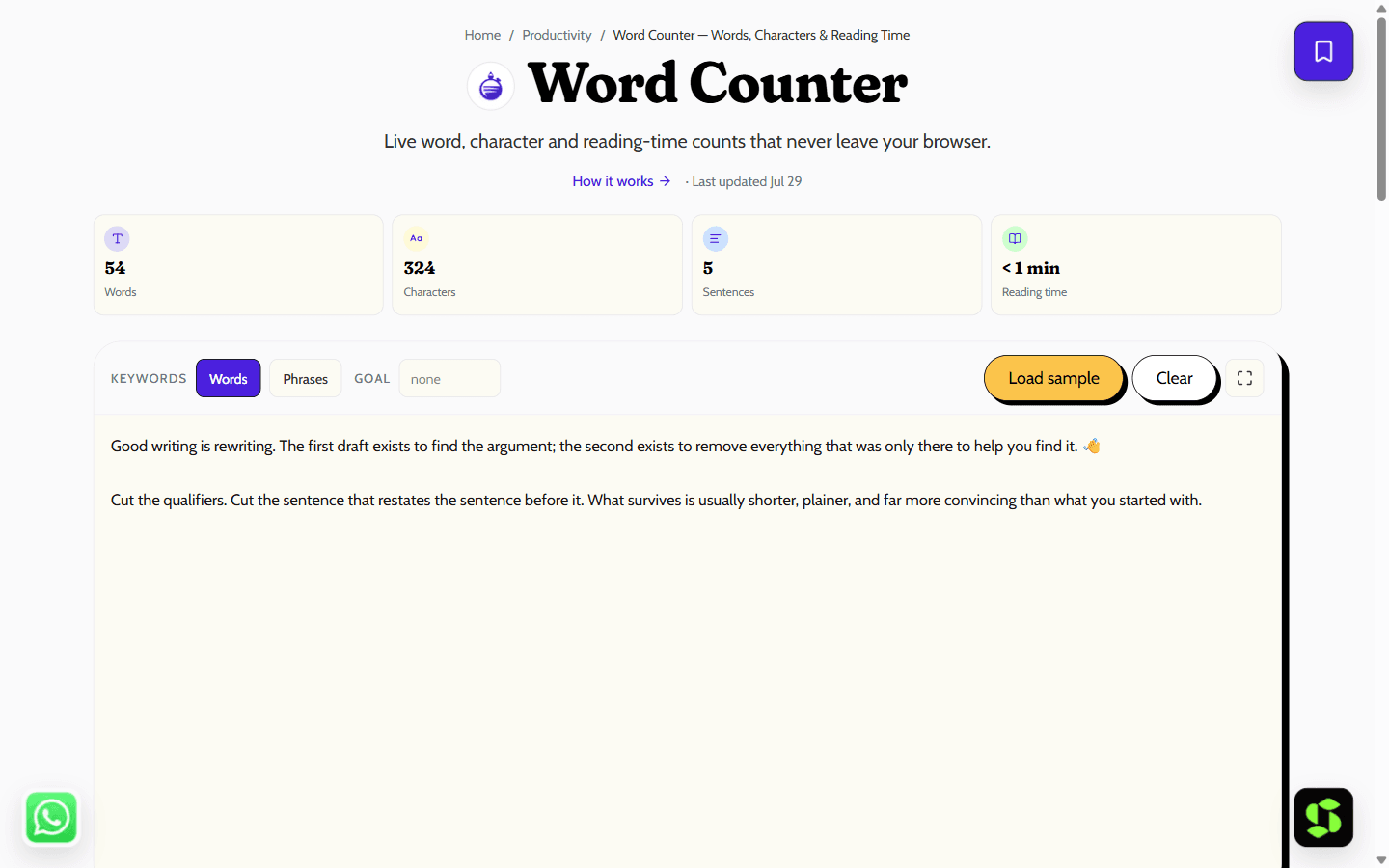
Count words, characters, sentences and reading time live as you type. Unicode-accurate counts, keyword density and platform limits, all in your browser.
Last updated Jul 29
Try Word Counter — Words, Characters & Reading Time nowThe method
Words and characters are segmented with Intl.Segmenter (Unicode UAX #29), counting grapheme clusters rather than UTF-16 units, so contractions and space-free scripts like Chinese count correctly. Reading time uses 238 words/minute (Brysbaert, 2019); speaking time uses 130 wpm. Runs locally in your browser.
Step by step
- 1
Type or paste your text — every count updates on each keystroke.
- 2
Watch the platform badges to see how many characters you have left for an X post, meta title, meta description or LinkedIn post.
- 3
Toggle keyword density between single words and two-word phrases to spot over-used terms.
- 4
Set an optional word goal to track progress toward a target length.
What it doesn't do
- Reading time (238 wpm) is a population average — technical or unfamiliar text reads slower, skimming faster.
- Keyword density is a diagnostic, not an SEO target — writing to a percentage is keyword stuffing.
- The X character badge is a close approximation: X itself counts URLs as 23 characters and weights some scripts as two.
- The stopword list is English-only, so density for other languages will include function words.
Reading time, worked out
At 238 words per minute (silent reading):
- 500 words ≈ 2.1 minutes
- 1,000 words ≈ 4.2 minutes
- 2,000 words ≈ 8.4 minutes
Reading aloud is slower — this tool uses 130 words per minute for speaking time — which is why a script that reads fine on screen can run long once you actually present it. If you're timing a talk, plan around 130 wpm, not 238.
What keyword density means (and doesn't)
Keyword density is how often a word appears relative to your total word count — if "invoice" shows up 12 times in a 1,000-word article, that's 1.2% density. It's a sanity check, not a target: too high reads like keyword stuffing and can look manipulative to search engines; too low might mean you haven't actually covered the topic you meant to.
Quick uses for this counter:
- Hit an assignment or article word target.
- Estimate reading or speaking time for a post or script before you commit to it.
- Check a meta description or social post fits its character limit — the platform badges show exactly how much room is left.
- Spot an accidentally over-used word with the density readout.
Frequently asked
How does this tool count words?
With Intl.Segmenter, which applies the Unicode word-boundary rules (UAX #29). Contractions like "don't" count as one word, and languages written without spaces, such as Chinese and Japanese, are segmented into real words instead of being counted as one long token.
Why does an emoji count as one character?
Characters are counted as grapheme clusters — what a reader perceives as one symbol. A family emoji is built from several code points joined invisibly, so JavaScript's .length reports 8 or more, but you see one character and this counter agrees with you.
How accurate is the reading time?
It uses 238 words per minute, the average adult silent-reading rate found by a 2019 meta-analysis of 190 studies. Your real audience varies: dense technical content can drop below 150 wpm, while skimming runs far faster. Treat it as a solid estimate, not a stopwatch.
Is my text uploaded to a server?
No. Counting, density and every other stat are computed in your browser. The autosaved draft lives in this browser’s localStorage on your device, and the Clear button removes it.
What keyword density should I aim for?
There is no magic percentage. Use the table to spot accidental repetition and confirm the topic you meant to write about actually dominates — then stop. Optimising toward a density number is keyword stuffing, which hurts more than it helps.
Does it count characters with and without spaces?
Yes — both counts update live as you type, alongside words, sentences and paragraphs.
Is there a word or character limit?
No practical limit for normal writing — paste a full article or blog post and it counts instantly, since everything runs in your own browser rather than against a server-side cap.
Is it free?
Yes, completely free with no signup, and no limit on how much text you paste in.
Need this built into your business?
This tool is free because it's a small, solved problem. If what you actually need is bigger — what Scult builds, built and maintained for you — that's Scult's day job.


