How it works
How the Email Signature Generator works
 How the Email Signature Generator works
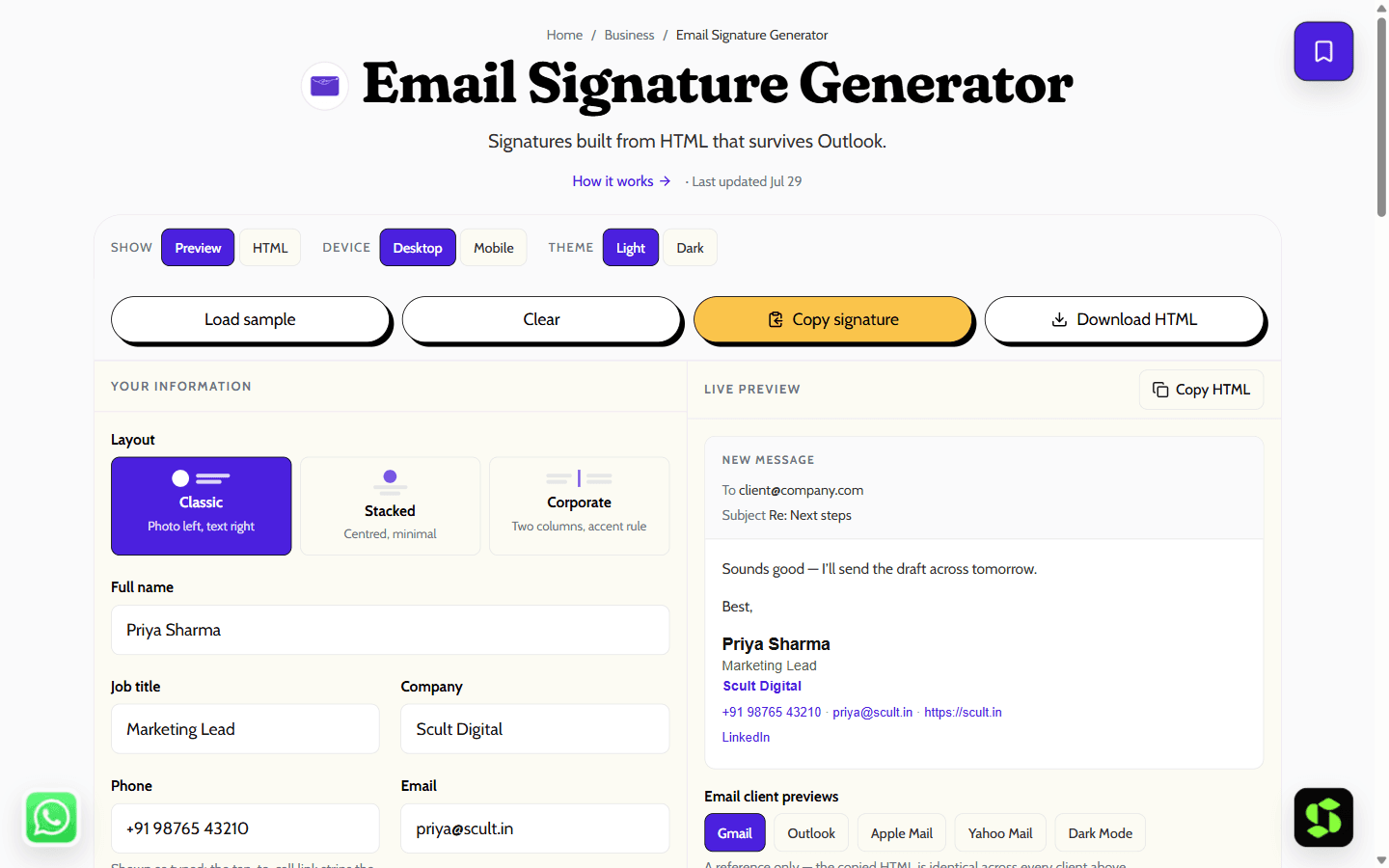
Design a professional email signature and copy it straight into Gmail or Outlook. Three layouts, brand colour, social links — built as bulletproof table HTML.
Last updated Jul 29
Try Email Signature Generator nowThe method
Desktop Outlook renders with Microsoft Word’s engine, which ignores flexbox and grid; Gmail strips <style> blocks. So this generator writes nested-table markup with every style inline — the format both render faithfully. It copies to your clipboard as a text/html ClipboardItem, so pasting keeps formatting, not raw code.
Step by step
- 1
Fill in your name, role and contact details — the preview updates as you type.
- 2
Add up to four social links and an optional photo or logo URL.
- 3
Pick one of the three layouts and set your brand accent colour.
- 4
Click Copy signature, then paste it into your email settings using the Gmail or Outlook steps under the preview.
What it doesn't do
- Photo and logo URLs must already be publicly hosted — this tool does not upload or store images.
- Many clients block remote images by default, so recipients may not see your photo until they choose to load it.
Templates that render everywhere (even Outlook)
A signature that looks great in Gmail can break in Outlook, because Outlook renders HTML with Microsoft Word's engine, not a browser engine. This generator builds table-based, inline-CSS signatures that survive both. Pick a layout, add your details, and install it below.
The three layouts:
- Classic — photo on the left, text on the right.
- Stacked — centred and minimal.
- Corporate — two columns with an accent rule.
Install in Gmail:
- Click Copy signature in the generator.
- In Gmail, open Settings → See all settings, and scroll to the Signature section on the General tab.
- Create a new signature, paste into the box, and click Save Changes at the bottom.
Install in Outlook:
- Copy the signature from the generator.
- Desktop Outlook: File → Options → Mail → Signatures. Outlook on the web: Settings → Mail → Compose and reply.
- Paste into a new signature and set it as your default.
Frequently asked
Why do email signatures break in Outlook?
Desktop Outlook on Windows renders HTML with Microsoft Word’s engine, not a browser engine. Word ignores flexbox, grid, max-width and most modern CSS, so anything built like a web page collapses. Signatures made of nested tables with inline styles — what this tool generates — are the only markup Word renders faithfully.
How do I add the signature to Gmail?
Click Copy signature, then in Gmail open Settings, See all settings, and scroll to the Signature section on the General tab. Create a new signature, paste into the box, and click Save Changes at the bottom. The formatting carries over because the copy is rich text, not code.
Where should I host my signature photo or logo?
Anywhere that serves the image at a stable public https URL — your own website is best. Right-click the image on your site and copy its address. Avoid Google Drive or WhatsApp links; they are viewer pages, not direct image URLs, and will not render inside emails.
Can I use a custom font in my signature?
Not reliably. Most email clients refuse to load web fonts, so a custom font silently falls back to whatever the recipient has installed. This generator uses Arial/Helvetica on purpose — it renders identically everywhere, which matters more in a signature than typographic flair.
Is my information uploaded anywhere?
No. The signature is assembled entirely in your browser and copied from there to your clipboard. Nothing you type — names, phone numbers, links — ever leaves your device or touches a server.
Is it free?
Yes — free, no signup, and no limit on how many times you regenerate or copy it.
Need this built into your business?
This tool is free because it's a small, solved problem. If what you actually need is bigger — branding & design, built and maintained for you — that's Scult's day job.


