How it works
How the QR Code Generator (with UPI) works
 How the QR Code Generator (with UPI) works
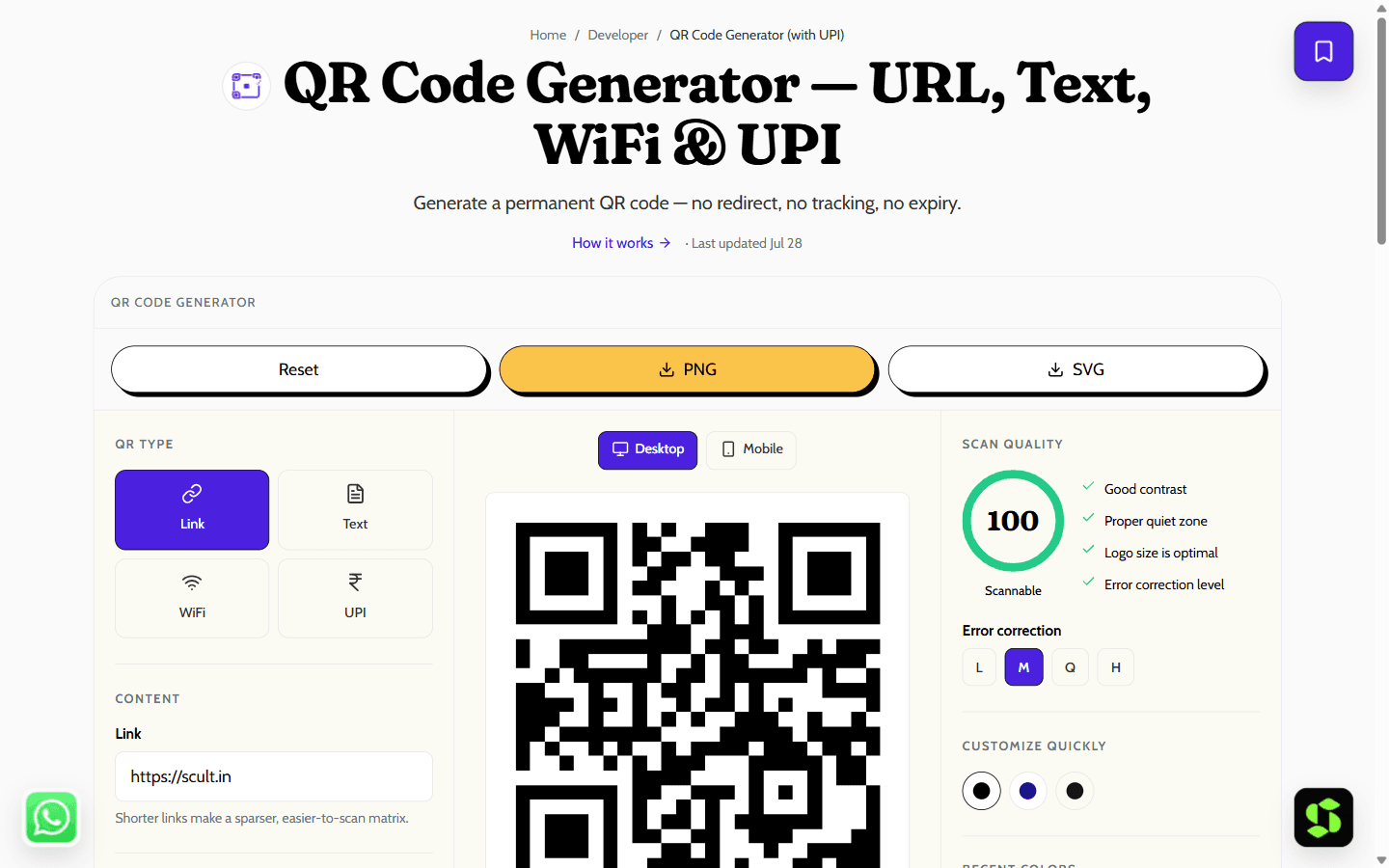
Generate a high-resolution QR code for a link, text, WiFi network or UPI payment. Downloads as PNG or SVG, generated locally with no tracking redirect.
Last updated Jul 28
Try QR Code Generator (with UPI) nowThe method
QR generation happens entirely in your browser, so the code encodes your data directly rather than a tracking redirect on our domain — unlike most free generators, it keeps working even if we go away or start charging. UPI codes follow the NPCI deep-link spec: `upi://pay?pa=<vpa>&pn=<name>&am=<amount>&cu=INR`.
Step by step
- 1
Choose what the code should contain.
- 2
Fill in the fields — for UPI, your VPA and optional amount.
- 3
Pick a size and error-correction level.
- 4
Download as PNG for print or SVG for scaling.
What it doesn't do
- The code can't be edited after printing and there's no scan analytics — that's the trade-off for permanence.
- Very long inputs need a denser matrix, which needs a larger printed size to stay scannable.
11 practical ways to use a QR code
A QR code turns anything printed — a poster, a package, a receipt, a shopfront — into a tap-free link to something digital. Point a phone camera at it and it opens instantly. Here are the use cases that actually earn their place, grouped by where they pay off.
Payments & retail
- UPI payments — display a UPI QR at your counter so customers pay by scanning, no card machine needed.
- Product packaging — link to how-to videos, authenticity checks, or reorder pages.
- Loyalty & offers — a QR on the bill that opens a discount or signup page.
Food & hospitality
- Digital menus — a table QR that opens your menu; update the page any time without reprinting a single card.
- Table ordering or feedback — link to an order form or a review page.
Marketing & print
- Posters & flyers — send offline audiences straight to a landing page or campaign.
- Vehicle or storefront signage — a QR on a wrap or window decal linking to your site or booking page.
- Event check-in — tickets and badges that scan to register.
Reviews, social & connectivity
- Google review link — a QR that opens your "leave a review" page, useful for local search.
- Social follow — a QR linking straight to your Instagram or WhatsApp.
- Guest WiFi — guests scan to join your network without typing a password.
Tips so your QR actually works:
- Test it before you print — scan with two different phones first.
- Keep contrast high; dark code on a light background scans most reliably.
- Don't shrink it too far — aim for at least 2×2 cm on print, bigger for anything read from a distance.
- Add a short prompt next to it — "Scan to pay" or "Scan for menu" measurably lifts scan rates.
- Use a static QR (what this tool generates) for anything permanent — it never expires, unlike many "dynamic" QR services that stop working if a subscription lapses.
Frequently asked
Do these QR codes expire?
No. The data is inside the code itself, so it works for as long as the destination does — with no dependency on us.
Which error-correction level should I use?
Medium is the sensible default. Use High for anything printed small or likely to get scuffed, such as stickers or packaging.
Is the UPI QR safe to share?
Yes. A UPI payment address is designed to be public — it lets people pay you, not withdraw from you.
Is it free?
Yes — completely free, no signup, and no limit on how many codes you create.
Do you track scans or store my data?
No. Generation happens entirely in this tab — the QR encodes your data directly rather than a link through a redirect on our servers, so there is nothing for us to track or store even if we wanted to.
What formats can I download?
PNG for everyday use, or SVG for print and large formats — SVG stays sharp at any size since it's not made of pixels.
Can I customise the colours, or add a logo?
Colours, yes — pick any two hex values for the code and background, and the scan-quality panel warns you if the contrast gets too low to scan reliably. A centre logo isn't supported; adding one is a real trade-off against scan reliability that this tool deliberately doesn't offer.
What can a QR code contain?
Four types: a website URL, plain text, WiFi credentials (network name and password), or a UPI payment address. Pick the type, fill in the fields, and download.
Need this built into your business?
This tool is free because it's a small, solved problem. If what you actually need is bigger — what Scult builds, built and maintained for you — that's Scult's day job.


