How it works
How the JSON Formatter & Validator works
 How the JSON Formatter & Validator works
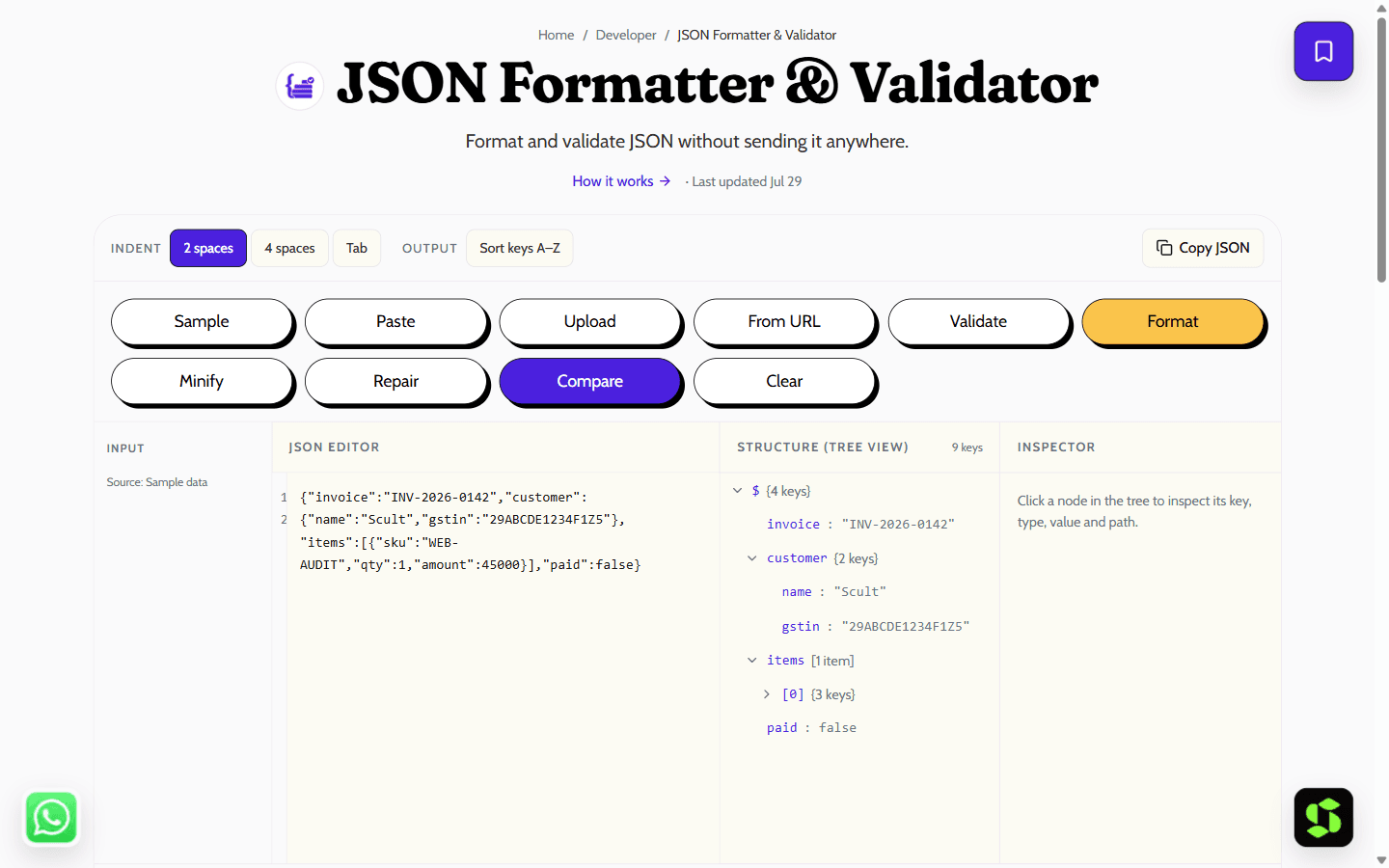
Format, minify and validate JSON with error messages that tell you the line and column. Runs locally — safe for payloads you should not paste into a website.
Last updated Jul 29
Try JSON Formatter & Validator nowThe method
Parsing uses the native JSON.parse, the fastest and most standards-accurate option available. Its errors only give a character offset, so we convert that into a line and column and show the offending line — turning "unexpected token at position 1043" into "trailing comma on line 42."
Step by step
- 1
Paste your JSON.
- 2
Choose an indent width, or minify.
- 3
Read the error location if it fails to parse.
- 4
Copy the result.
What it doesn't do
- Strict JSON only — comments, trailing commas and single-quoted strings are reported as errors, not silently fixed.
- Integers beyond 2^53 lose precision; JavaScript numbers are IEEE-754 doubles.
Minify vs beautify — what they do
The same JSON can be stored two ways. Beautified JSON is indented and spread over multiple lines so a human can read it. Minified JSON removes every unnecessary space and line break so a machine can transfer it as fast as possible. Both are valid, identical data — only the formatting differs.
Beautified — for reading & debugging
{
  "user": {
    "id": 42,
    "name": "Aarav",
    "roles": ["admin", "editor"]
  }
}
Minified — for transfer & storage
{"user":{"id":42,"name":"Aarav","roles":["admin","editor"]}}Beautify when: debugging an API response or log, reviewing a config file or someone else's data, or writing documentation and examples.
- Minify when sending over the network — smaller payloads load faster.
- Minify when storing at scale — less space in databases and caches.
- Minify for production builds, where readability doesn't matter and size does.
Rule of thumb: work in beautified JSON, ship minified JSON. If a person is reading it, beautify. If a machine is consuming it, minify.
Frequently asked
Is my JSON sent to a server?
No, and that is the point of this one. Everything runs in your tab, so it is safe for API responses and payloads you should not be pasting into arbitrary websites.
Why is my JSON invalid when it looks fine?
The usual culprits are a trailing comma before a closing brace, unquoted keys, or single quotes instead of double quotes. All three are valid JavaScript and invalid JSON.
What indent should I use?
Two spaces is the most common convention. Minify for anything going over the wire.
What's the difference between format, minify, and validate?
Format (beautify) adds indentation and line breaks so JSON is readable. Minify strips whitespace to make it as small as possible for transfer. Validate checks the JSON is syntactically correct and points you to the error if not.
Is there a size limit?
No hard limit — it handles large files comfortably since parsing runs locally with the browser's native JSON.parse. Very large files depend on your own device's memory, not a server-side cap.
Is it free?
Yes — free, no signup, and it keeps working offline once the page has loaded.
Need this built into your business?
This tool is free because it's a small, solved problem. If what you actually need is bigger — what Scult builds, built and maintained for you — that's Scult's day job.


